Mac mini M4 Pro vs RTX 3060 12 GB for local AI in 2026
Apple's value-tier AI machine. Punches above weight at $1,800-2,400.
- VRAM
- 48 GB
- Bandwidth
- 273 GB/s
- TDP
- 75 W
- Price
- $1,800-2,400 (M4 Pro + 48-64 GB unified)
12 GB nominal memory; check the model and context budget.
- VRAM
- 12 GB
- Bandwidth
- 360 GB/s
- TDP
- 170 W
- Price
- $200-280 (2026 used)
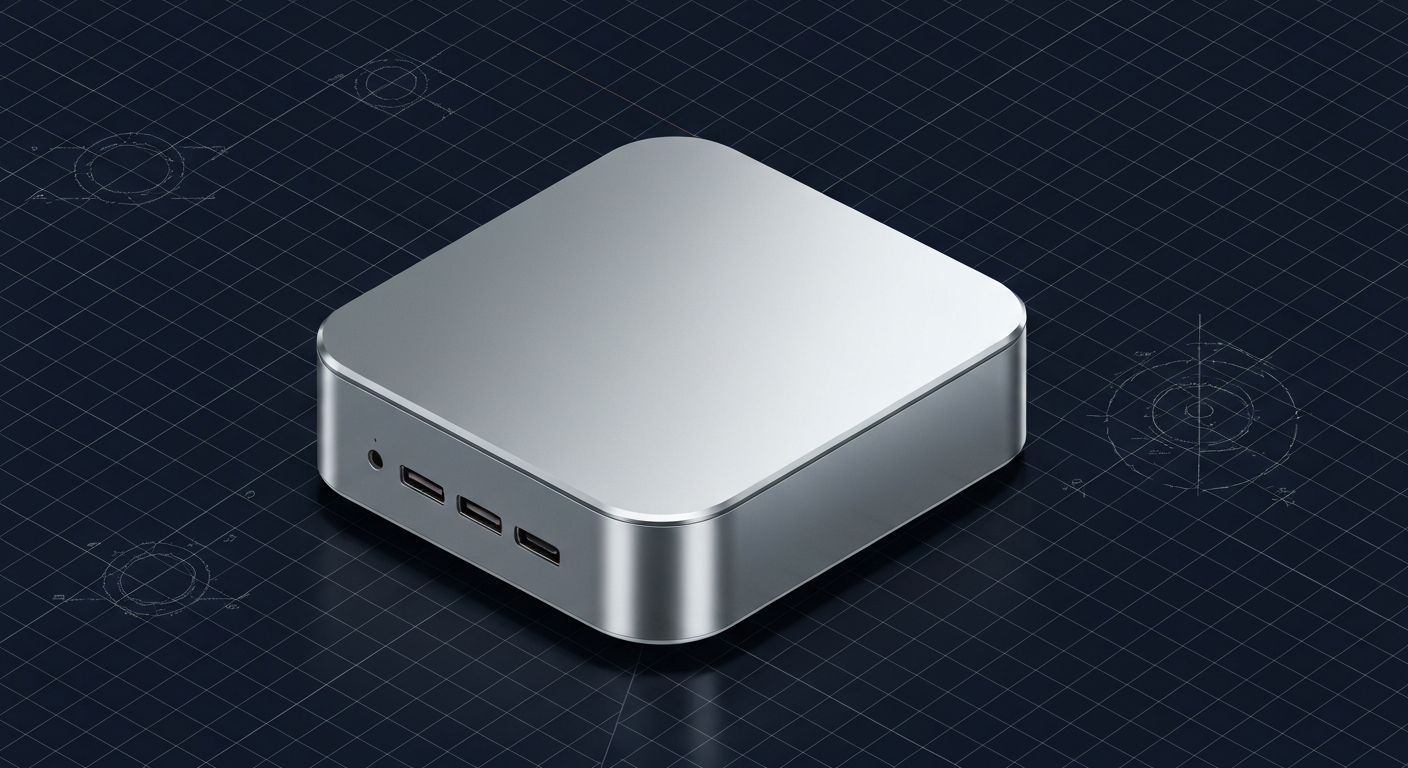
Mac mini (M4 Pro, 48-64 GB unified)
Apple's value-tier AI machine. Punches above weight at $1,800-2,400.
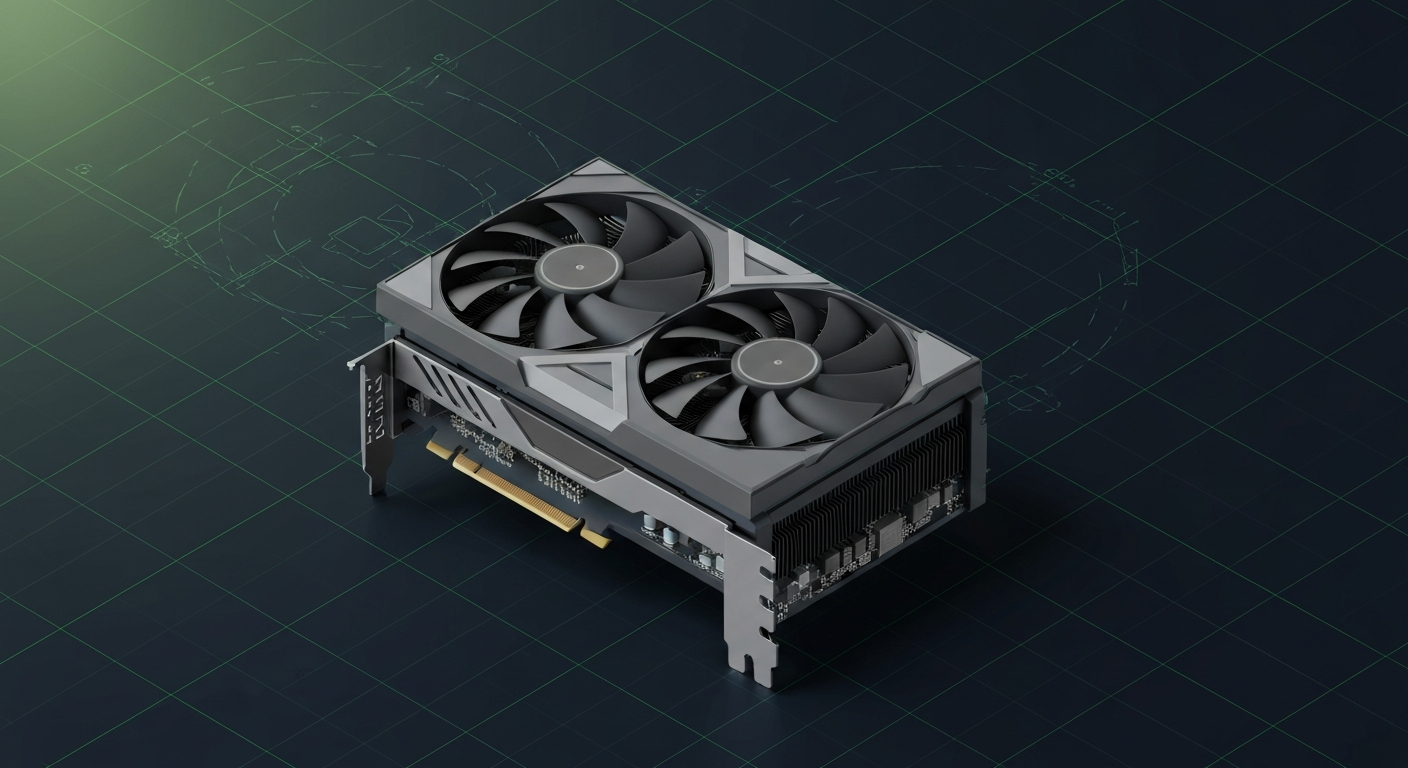
RTX 3060 12 GB
12 GB nominal memory; check the model and context budget.
Mac mini wins on: VRAM-equivalent ceiling (48 GB unified), silence, plug-and-play simplicity, OS integration. RTX 3060 wins on: CUDA ecosystem, price (~$700-1,300 less), upgrade path (swap GPU later).
This isn't a 'which is better' comparison — it's a 'which platform at what budget' decision. Mac mini costs 2-3x more but delivers 4x the memory + silence. The 3060 PC is a fraction of the cost but caps at 12 GB VRAM and is louder. Different buyers pick different paths.
Memory planning: Mac mini (M4 Pro, 48-64 GB unified) — 48 GB nominal memory: check 70B Q4 with a checked context budget. Reserve space for KV cache and runtime; offload is a separate configuration. RTX 3060 12 GB — 12 GB nominal memory: check 13–14B Q4. Reserve space for KV cache and runtime; offload is a separate configuration.
Who wins each workload
Each row is a workload local-AI operators actually run. Verdicts derived from VRAM math + bandwidth — no editorial hand-wave.
What each card actually runs
VRAM math against a canonical set of popular models. The largest context window that fits with headroom appears in each cell.
| Model | Mac mini (M4 Pro, 48-64 GB unified) | RTX 3060 12 GB |
|---|---|---|
Qwen 3 14B Q4_K_M 14B params · Q4_K_M | 32K ctx | 2K only |
Qwen 3 32B Q4_K_M 32B params · Q4_K_M | 16K ctx | OOM |
Llama 3.3 70B Q4_K_M 70B params · Q4_K_M | 4K ctx, tight | OOM |
DeepSeek R1 distill 32B 32B params · Q4_K_M | 16K ctx | OOM |
Mixtral 8x22B Q4 141B params · Q4_K_M | OOM | OOM |
FLUX.1 image gen 12B params · FP16 | 1 | OOM |
Fit figures are estimates. We have removed throughput and cost rankings without matched measurements. Compare model, quantization, context and runtime in the benchmark records. Price ranges are editorial estimates, not live merchant quotes.
Quick decision rules
Operational matrix
| Dimension | Mac mini (M4 Pro, 48-64 GB unified) Apple's value-tier AI machine. Punches above weight at $1,800-2,400. | RTX 3060 12 GB 12 GB nominal memory; check the model and context budget. |
|---|---|---|
VRAM / memory ceiling Largest model that fits. | — 48 GB nominal memory: check 70B Q4 with a checked context budget. Reserve space for KV cache and runtime; offload is a separate configuration. | — 12 GB nominal memory: check 13–14B Q4. Reserve space for KV cache and runtime; offload is a separate configuration. |
Total cost (2026) Including host system. | Limited $1,800-2,400 (48-64 GB unified config). | Excellent $700-1,100 (GPU + PC build). ~$1,000-1,300 less than Mac mini. |
Performance tok/s on common models. | — 48 GB nominal memory: check 70B Q4 with a checked context budget. Reserve space for KV cache and runtime; offload is a separate configuration. | Acceptable 360 GB/s. Faster per-GB but limited to smaller models. |
Noise + form factor Desk-side livability. | Excellent 75W; near-silent; fits under a monitor. | Acceptable 170W GPU + system; audible under load; mid-tower case. |
OS ecosystem Software support. | Acceptable MLX + llama.cpp Metal + Ollama. No vLLM / TRT-LLM. | Excellent Full CUDA stack. Every runtime first-class on Windows + Linux. |
Ease of setup Time to first token. | Excellent Unbox, install Ollama, run. ~10 min. | Acceptable PC build (or prebuilt) + Windows + drivers + runtime. ~1-3 hours. |
Upgrade path What happens later. | Limited Sealed. Buy new when slow. Soldered RAM. | Excellent Standard PCIe slot. Drop in a 3090 or 5070 Ti later. |
Tiers are qualitative editorial labels, not derived from a single benchmark. For tok/s and VRAM measurements on these cards, browse the corpus or request a benchmark.
Who should AVOID each option
Avoid the Mac mini (M4 Pro, 48-64 GB unified)
- If budget is under $1,200 (PC build is $700-1,100)
- If CUDA ecosystem access matters (vLLM, day-zero wheels)
- If you want to upgrade GPU separately later (Mac is sealed)
Avoid the RTX 3060 12 GB
- If 70B Q4 inference is your daily target (12 GB doesn't fit)
- If silence + desk-friendliness matters (PC is louder)
- If you prefer macOS + plug-and-play simplicity
Workload fit
Mac mini (M4 Pro, 48-64 GB unified) fits
- 70B Q4 inference in compact form
- Silent always-on desk AI
- Mac-native creative + AI workflows
RTX 3060 12 GB fits
- 13B Q4 budget CUDA entry
- Stepping stone to 24 GB upgrade
- Windows / Linux CUDA development
Reality check
If $1,800 is too much for the Mac mini and 12 GB is too little for the 3060, the honest middle path is: used 3090 at $700-1,000 in a $500-800 system = $1,200-1,800 total. 24 GB CUDA at similar price to Mac mini.
Power, noise, and heat
- Mac mini M4 Pro sustained: 60-75W total system. Effectively silent. Can live on a desk 24/7.
- 3060 PC sustained: 170W GPU + 80-120W system = 250-290W total. Audible under load; placement matters.
- Annual electricity (4hrs/day): Mac mini ~$15/year, 3060 PC ~$60/year.
Where to buy
Where to buy Mac mini (M4 Pro, 48-64 GB unified)
Editorial price range: $1,800-2,400 (M4 Pro + 48-64 GB unified)
Affiliate links — no extra cost. Prices are editorial ranges, not real-time. Click through to verify.
Some links above are affiliate links. We may earn a commission at no extra cost to you. How we make money.
Editorial verdict
Pick RTX 3060 12 GB PC if budget caps under $1,200 or you specifically need CUDA ecosystem access. The upgrade path (drop in a 3090 later) makes this a genuine stepping stone to serious capability.
If you're between these extremes, build a PC with a used 3090 ($1,200-1,800 total). You get 24 GB CUDA at similar price to the Mac mini, with full ecosystem access and no VRAM ceiling drama.
HonestyWhy benchmark numbers on this page might not reflect your real experience
- tok/s is not user experience. Humans read at ~10-15 tok/s — anything above that is buffer time, not perceived speed.
- Context length changes everything. A 70B Q4 model at 1024 tokens generates ~25 tok/s; the same model at 32K context drops to ~8-12 tok/s as KV cache fills.
- Quantization changes the conclusion. Q4_K_M vs Q5_K_M vs Q8 produce different speed AND different quality. A benchmark at one quant doesn't translate to another.
- Thermal throttling changes long sessions. The first 15 minutes of a benchmark see boost-clock peak; the next 4 hours see steady-state, which is 5-15% slower depending on case airflow.
- Driver and runtime versions silently shift winners. A 2024 benchmark on PyTorch 2.4 + CUDA 12.4 doesn't reflect 2026 reality on PyTorch 2.6 + CUDA 12.6. Discount benchmarks older than 6 months.
- Vendor and YouTuber benchmarks are cherry-picked. The standard 'Llama 3.1 70B Q4 at 1024 tokens' chart shows peak decode on a tiny prompt — exactly the conditions least representative of daily use.
- A 25-30% throughput gap between two cards rarely translates to a 25-30% experience gap. Both cards are fast enough; the differentiator is usually VRAM ceiling, not raw decode speed.
We try to surface these caveats where they apply. If a number on this page reads more confident than it should, please email us via contact. See also our methodology and editorial philosophy.
Don't see your specific workload?
The matrix above is editorial. If you want a measured tok/s number for a specific model + quant on either card, file a benchmark request — the community claims requests and reproduces them under our methodology checklist.