NVIDIA GeForce RTX 3070
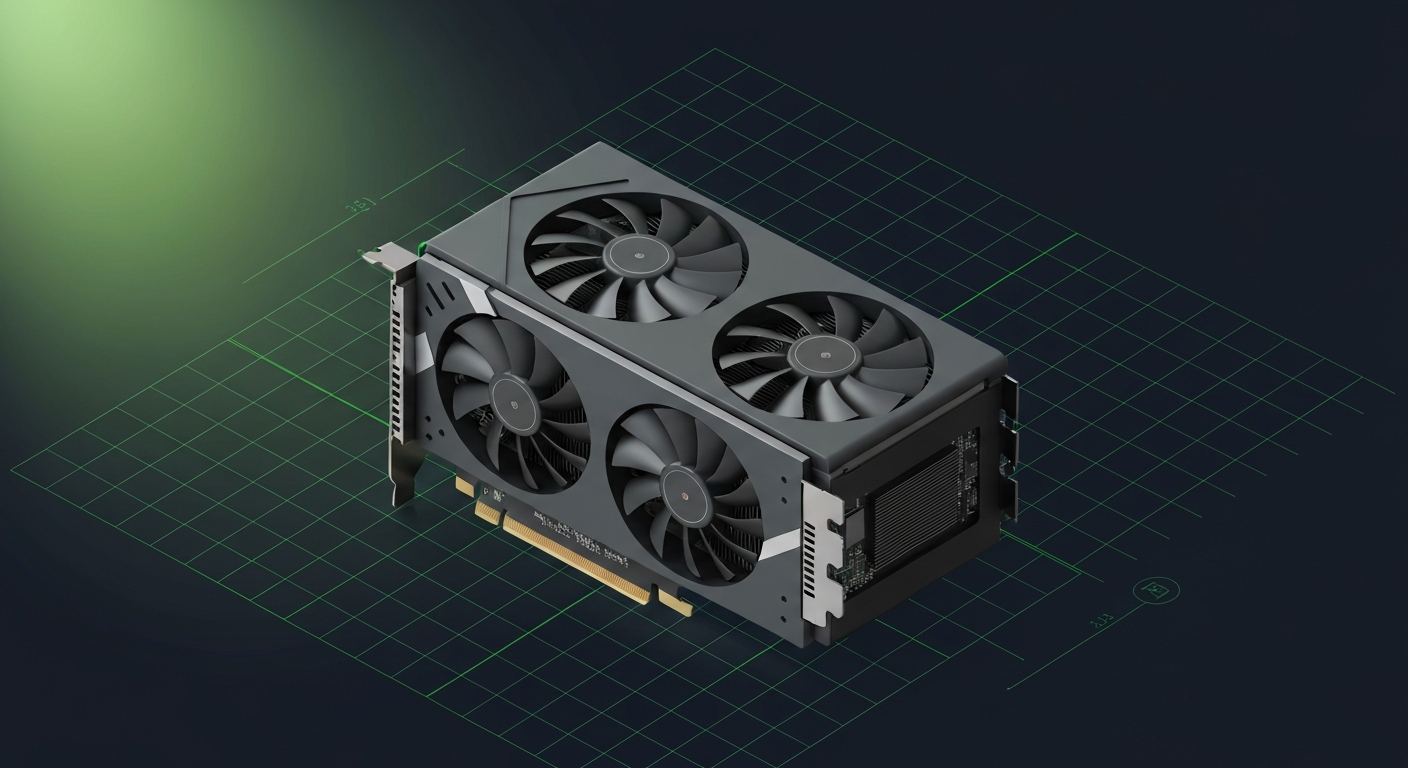
8GB Ampere. Fits 7B Q4 only.
Affiliate disclosure: as an Amazon Associate and partner of other retailers, we earn from qualifying purchases. The verdict on this page is our editorial opinion; affiliate links never influence what we recommend.
Sub-scores sum to 456 / 1000. Headline = 456 × 0.70 (Estimated-confidence discount) = 319. This is an algorithmic performance-tier score — distinct from, and often lower than, the editorial “Our verdict” below, which weighs value and real-world fit (especially for hardware we haven’t measured yet). How scoring works →
Extrapolated from 448 GB/s bandwidth — 53.8 tok/s estimated. No measured benchmarks yet.
Plain-English: Comfortable for 7B chat.
Verdicts extrapolated from catalog VRAM + bandwidth + ecosystem flags. Hover any chip for the rationale. Want measured numbers? Submit your own run with runlocalai-bench --submit.
What it does well
The RTX 3070 is the late-Ampere consumer 8 GB card and a popular used-market pick at $200-$300 in 2026. 8 GB GDDR6 at 448 GB/s + Ampere tensor cores + the full CUDA stack at well-established used market liquidity. The card was deployed widely from 2020-2023, so finding clean used 3070s with documented service history is straightforward. For 7B class LLM workloads, it's genuinely usable: ~50-70 tok/s on Llama 3.1 8B Q4, smaller MoE models, embedding work. Power draw at 220 W TDP is workstation-friendly. Full CUDA stack works (sm_86 Ampere): Ollama, LM Studio, llama.cpp, single-card vLLM, ExLlamaV2. For absolute budget local AI buyers — those who want CUDA + 8 GB + cheap — RTX 3070 is the affordable entry point.
Where it breaks
- 8 GB is below the practical floor for serious local AI in 2026. 7B Q5/Q8 fits but barely. 13B Q4 fits with limited context. 14B FP16 doesn't fit at all. 32B Q4 doesn't fit. The 8 GB ceiling is the single biggest constraint.
- Pricing competition is harsh. Used RTX 3060 12GB at $200 used has 50% more VRAM at the same price — better $/AI-utility for any reader who's primarily after local LLM workloads. 3070's value is gaming + general compute, not AI memory ceiling.
- No FP8 native (Ampere limitation). Same as all Ampere cards.
- Architecture is two generations behind in 2026. Ada Lovelace and Blackwell both deliver dramatically better tensor compute. New CUDA features land on Ada / Blackwell first.
- Resale erosion is approaching the floor. Used pricing has settled around $200-$300; expected to soften further but not by much.
- End-of-feature-support risk. sm_86 Ampere support remains in CUDA 12.x but new optimizations skip Ampere.
Ideal model range
- Sweet spot: 7B FP16 / Q5 inference at ~50-70 tok/s decode — usable for IDE coding assistants, document Q&A.
- Sweet spot: Smaller MoE models (sub-7B parameters active) at reasonable speed.
- Sweet spot: Embedding models, classifiers, small re-rankers — fits 8 GB easily.
- Sweet spot (with CPU offload): 13B Q4 with 4K context (slow but functional, single-digit tok/s).
- Sweet spot: First-time AI buyers with very tight budgets — the affordable CUDA entry.
- Bad fit: 13B+ FP16, 32B-class anything, fine-tuning anything bigger than 4B QLoRA, very long context.
Bad use cases
- Anyone targeting 13B+ FP16 / 32B / 70B local AI. Hard 8 GB ceiling.
- Cost-conscious 12 GB seekers. Used RTX 3060 12GB at $200 has 50% more VRAM at the same price — strictly better for AI.
- Cost-conscious 16 GB seekers. RTX 4060 Ti 16GB at $429 MSRP / Intel Arc A770 16GB at $250-300 used both win.
- Maximum tok/s on small models. Newer 12 GB cards (4070 / 5070) win on bandwidth.
- Anyone planning serious local AI use over months. 8 GB ceiling will frustrate quickly. Stretch budget to 12 GB+ minimum.
- Heavy fine-tuning workflows. Wrong tier entirely.
Verdict
Buy this if you find a used RTX 3070 at $180–$250, you're learning local AI on the absolute tightest budget, your workload is firmly 7B-class with occasional 13B Q4 use, and you accept the 8 GB ceiling will limit you. RTX 3070 is the right pick for the first-time CUDA AI experimenter on a shoestring — but only at deep used discount.
Skip this if you can spend $20-50 more for used RTX 3060 12GB (50% more VRAM, dramatically better for AI), you target 13B+ models long-term (8 GB ceiling will frustrate), you want decent decode speed on bigger models (newer 12-16 GB cards win), or you have $400+ available (jump to used 4070 Super or RTX 4060 Ti 16GB).
How it compares
- vs used RTX 3060 12GB → 3060 12GB has 50% more VRAM + ~25% less bandwidth + similar architecture at the same used price ($200). For pure AI, 3060 12GB wins decisively because 8 GB skips workloads 12 GB can fit. See /compare/rtx-3070-vs-rtx-3060-12gb.
- vs RTX 4060 (8 GB) → Same VRAM tier, Ampere vs Ada-gen. 4060 has Ada-gen + FP8 + lower power at $299 MSRP. RTX 3070 has more bandwidth + more compute at deep used discount. Pick 4060 new for current-gen 8 GB; 3070 used for cheaper 8 GB.
- vs RTX 5060 (8 GB) → 5060 has Blackwell + FP4 native at $299 MSRP. 3070 used has more compute but Ampere-gen. Pick 5060 for new builds with Blackwell features; 3070 used for cheap.
- vs Intel Arc A770 16GB → Arc A770 has 2× the VRAM at +$50-100 used. For AI, the 16 GB ceiling unlocks meaningful workloads 8 GB cannot fit — but Intel ecosystem trade-offs vs CUDA. Pick A770 for VRAM ceiling + budget; 3070 for CUDA stack at lowest cost.
- vs RX 7600 XT (16 GB) → Same logic as Arc A770 — RX 7600 XT has 2× VRAM but AMD ecosystem. For ecosystem certainty, 3070 wins on CUDA; for pure VRAM at price, 7600 XT.
Overview
8GB Ampere. Fits 7B Q4 only.
Some links above are affiliate links. We may earn a commission at no extra cost to you. How we make money.
Specs
| VRAM | 8 GB |
| Power draw (peak) | 220 W |
| Released | 2020 |
| MSRP | $499 |
| Backends | CUDA Vulkan |
Models that fit
Open-weight models small enough to run on NVIDIA GeForce RTX 3070 with usable context.
Hardware worth comparing
The closest alternatives by price, memory bandwidth, and form factor, plus a step up and down — so you can frame the buying decision against real options.
Frequently asked
What models can NVIDIA GeForce RTX 3070 run?
Does NVIDIA GeForce RTX 3070 support CUDA?
How much does NVIDIA GeForce RTX 3070 cost?
Where next?
Reviewed by RunLocalAI Editorial. See our editorial policy for how we research and verify hardware specifications.