NVIDIA GeForce RTX 4060 Ti 16GB
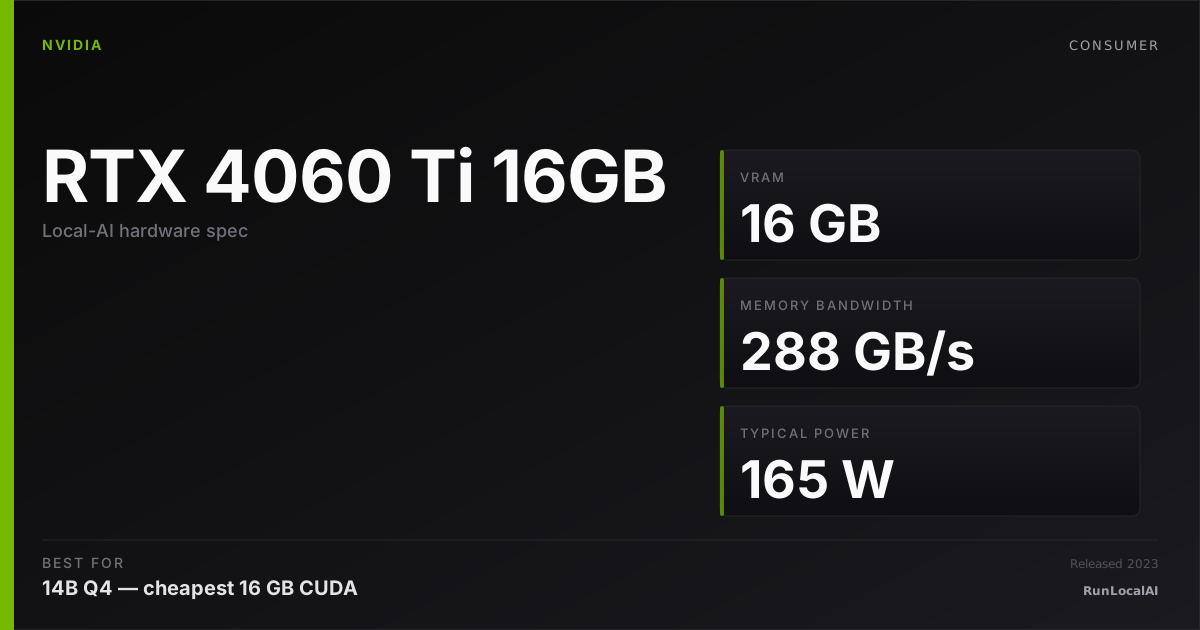
The poster child of 'cheap 16GB CUDA card'. Memory bandwidth is mediocre but 16GB at $400-something opens up 14B Q4.
Affiliate disclosure: as an Amazon Associate and partner of other retailers, we earn from qualifying purchases. The verdict on this page is our editorial opinion; affiliate links never influence what we recommend.
Sub-scores sum to 457 / 1000. Headline = 457 × 0.70 (Estimated-confidence discount) = 320. This is an algorithmic performance-tier score — distinct from, and often lower than, the editorial “Our verdict” below, which weighs value and real-world fit (especially for hardware we haven’t measured yet). How scoring works →
Extrapolated from 288 GB/s bandwidth — 34.6 tok/s estimated. No measured benchmarks yet.
Plain-English: Best for 7B; 14B is tight — coding agent feels deliberate; vision models supported.
Verdicts extrapolated from catalog VRAM + bandwidth + ecosystem flags. Hover any chip for the rationale. Want measured numbers? Submit your own run with runlocalai-bench --submit.
What it does well
The 4060 Ti 16GB is the cheapest path into 16 GB CUDA territory in 2026, and that single fact is why this card matters disproportionately to its silicon. $450-550 retail puts it half the price of a 4070 Ti Super for the same 16 GB VRAM ceiling. CUDA support is universal: every local runtime (vLLM, llama.cpp, Ollama, SGLang) runs cleanly. 165 W TDP is lowest in the consumer 16 GB tier — fits a 550 W PSU comfortably and runs cooler than higher-tier cards under sustained load. For 7B-class models the bandwidth ceiling never matters; the card hits 100+ tok/s on 7B Q4 and stays there.
Where it breaks
- 288 GB/s memory bandwidth is the real constraint. Less than half the 4070 Ti Super (672 GB/s) and roughly a third of the 4090 (1.0 TB/s). For 13B-class workloads, decode tok/s is meaningfully slower (~35-50 tok/s vs 4070 Ti Super's 70-90). Bandwidth is THE differentiator at this VRAM tier.
- 128-bit memory bus. This is what sets the bandwidth ceiling — narrower bus than the 4070 Ti Super's 192-bit. Won't change with driver updates; it's silicon.
- 70B-class is hard out of scope. 70B Q4 (~40 GB) needs heavy partial offload to system RAM. Bandwidth penalty + offload penalty stack — single-digit tok/s. Wrong card for any 70B daily work.
- Resale value is softer than higher-tier consumer cards. The 4060 Ti 16GB occupies an awkward "budget 16 GB" niche; future buyers chasing the 16 GB tier increasingly land on used 4070 Ti or 5060 Ti 16GB instead.
Ideal model range
- Sweet spot: 7B-class at full 32K context — Llama 3.1 8B, Qwen 2.5 7B, Phi 4 mini — at ~100-130 tok/s. The card excels here.
- Sweet spot (continued): 13B-class at Q4 with full 16K context — Qwen 2.5 14B, Phi 4 14B — at ~35-50 tok/s. Functional but not fast.
- Stretch: Mistral Small 22B / Qwen 14B at long context — bandwidth becomes the operative bottleneck, drops to ~25-35 tok/s.
- Comfortable: embedding models (BGE-M3, all-mpnet), small RAG pipelines, prototype agent loops on 7B-class models.
- Multi-card path: two 4060 Ti 16GB cards = 32 GB combined for ~$1,000 used. Bandwidth-per-card stays low but the price-to-VRAM math is interesting for budget homelab.
Bad use cases
- 13B-class daily-driver inference. Bandwidth penalty makes ~35-50 tok/s feel slow vs 70-90 on a 4070 Ti Super. Pay the $300-500 extra if 13B is your primary tier.
- Coding agent workloads with long context. Aider + Qwen 2.5 Coder 14B on this card is functional but not fast — ~30 tok/s decode means agent loops feel pokey. 4070 Ti Super or 4090 is the right tier.
- Production multi-user serving. vLLM tensor-parallel on dual 4060 Ti 16GB technically works, but 288 GB/s bandwidth × 2 is still way below a single H100. Wrong target hardware.
- 70B daily inference. Wrong tier — pick 4090 or 5090 or dual-3090 homelab.
Verdict
Buy this if 7B-class is your daily-driver target, you want 16 GB CUDA, and budget is the operative constraint. Operators learning local AI for the first time, students with $500 GPU budgets, or anyone running mostly small models — the 4060 Ti 16GB is the right entry point. The $450-550 spend gets you into the CUDA ecosystem without the 4070 Ti Super premium.
Skip this if 13B-class is your daily target (4070 Ti Super at $850-1000 is the better $/perf pick), if 32B-class is the goal (4090 used at $1,400-1,900 is the right tier), or if you can stretch budget for a used RTX 3090 at $700-1000 (24 GB VRAM + 940 GB/s bandwidth — much better all-around card for marginally more money).
How it compares
- vs RTX 4070 Ti Super (16 GB) → same VRAM ceiling, 4070 Ti Super has 2.3× the bandwidth (672 vs 288 GB/s) and 2× the price. For 7B-class the price difference isn't justified; for 13B-class the bandwidth difference is everything. See /compare/rtx-4060-ti-16gb-vs-rtx-4070-ti-super.
- vs RTX 5060 Ti 16GB → newer Blackwell silicon at $499 MSRP. Slightly faster bandwidth (~448 GB/s GDDR7 vs 288 GB/s GDDR6) and FP4 support. Pick 5060 Ti if you want newer silicon for future-proofing; pick 4060 Ti 16GB if it's available cheaper used / refurb.
- vs Used RTX 3090 (24 GB) → 3090 used at $700-1000 has 50% more VRAM + 3× the bandwidth (940 GB/s) for $200-450 more. The right step-up at this budget tier. Pick 4060 Ti 16GB only if buying new + warranty matter; pick 3090 used for raw capability.
- vs RX 7600 XT (16 GB) → AMD answer at similar pricing ($499 MSRP). 7600 XT has slightly more bandwidth (288 GB/s GDDR6 vs 4060 Ti's 288 GB/s GDDR6 — actually identical bandwidth) but loses on CUDA ecosystem maturity. Pick 4060 Ti 16GB unless you're committed to ROCm + Linux.
- vs Apple Silicon (M-series with 16 GB unified memory) → M2/M3 with 16 GB unified runs same models at lower tok/s but in a laptop. Different platform tradeoff entirely. Pick 4060 Ti 16GB for desktop / homelab; pick Apple Silicon for portability.
Overview
The poster child of 'cheap 16GB CUDA card'. Memory bandwidth is mediocre but 16GB at $400-something opens up 14B Q4.
Some links above are affiliate links. We may earn a commission at no extra cost to you. How we make money.
Featured in this stack
The L3 execution stacks that pick this hardware as a recommended component, with the one-line note explaining the role it plays in each.
- Stack · L3·Homelab tier·Role: Reference GPU (the constraint that defines this stack)Build a 16GB VRAM local AI stack (May 2026)
RTX 4060 Ti 16GB is the budget consumer card that justifies its premium specifically for 13-14B class models. ~135W TDP — half a 4090. The architectural anchor: 16GB lets you run 14B class models comfortably, but rules out 32B AWQ (which needs ~22GB).
Specs
| VRAM | 16 GB |
| Power draw (peak) | 165 W |
| Released | 2023 |
| MSRP | $499 |
| Backends | CUDA Vulkan |
Models that fit
Open-weight models small enough to run on NVIDIA GeForce RTX 4060 Ti 16GB with usable context.
Hardware worth comparing
The closest alternatives by price, memory bandwidth, and form factor, plus a step up and down — so you can frame the buying decision against real options.
Curated head-to-heads against specific cards — the buyer-decision shape that crosses VRAM bands.
The 4060 Ti 16 GB is the cheapest CUDA card with usable VRAM headroom for 13B-class daily driving. The guides below frame where this entry-tier card is enough.
Frequently asked
What models can NVIDIA GeForce RTX 4060 Ti 16GB run?
Does NVIDIA GeForce RTX 4060 Ti 16GB support CUDA?
How much does NVIDIA GeForce RTX 4060 Ti 16GB cost?
Where next?
Reviewed by RunLocalAI Editorial. See our editorial policy for how we research and verify hardware specifications.