Apple M1 Ultra
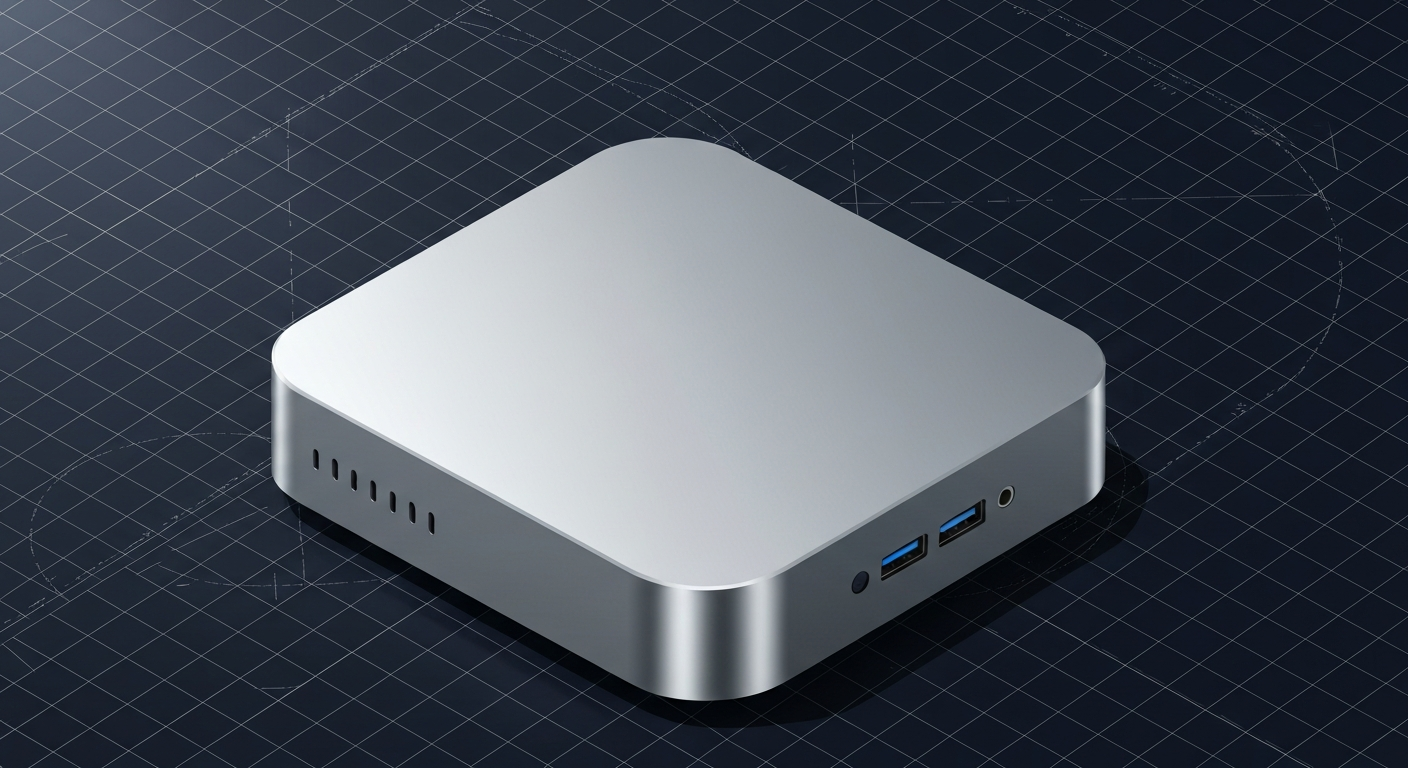
Original Ultra — 800 GB/s. 64–128GB unified. Still capable for 70B Q4.
Affiliate disclosure: as an Amazon Associate and partner of other retailers, we earn from qualifying purchases. The verdict on this page is our editorial opinion; affiliate links never influence what we recommend.
Sub-scores sum to 755 / 1000. Headline = 755 × 0.70 (Estimated-confidence discount) = 529. This is an algorithmic performance-tier score — distinct from, and often lower than, the editorial “Our verdict” below, which weighs value and real-world fit (especially for hardware we haven’t measured yet). How scoring works →
Extrapolated from 800 GB/s bandwidth — 112.0 tok/s estimated. No measured benchmarks yet.
Plain-English: Runs 70B comfortably — snappy enough for a coding agent; vision models supported.
Verdicts extrapolated from catalog VRAM + bandwidth + ecosystem flags. Hover any chip for the rationale. Want measured numbers? Submit your own run with runlocalai-bench --submit.
What it does well
The Apple M1 Ultra is the original Mac Studio flagship SoC (2022) and the chip that introduced Apple's UltraFusion two-die fabric architecture. 20 CPU cores + 48 or 64 GPU cores + 32-core Neural Engine + up to 128 GB unified memory at 800 GB/s bandwidth. The 800 GB/s bandwidth is identical to M2 Ultra and M3 Ultra — Apple's UltraFusion architecture maintained the same memory subsystem across three generations. Used Mac Studio M1 Ultra in 2026 has settled at $2,200-$3,500 — the cheapest 128 GB unified-memory Apple Silicon Mac Studio. For buyers who want frontier Apple Silicon AI at the deepest discount and accept architecture-generation gaps, M1 Ultra Mac Studio is genuinely competitive.
Where it breaks
- Architecture is two generations behind in 2026. M3 Ultra has improved GPU compute, better Neural Engine, and substantially more mature MLX optimizations. The M1 generation gets the least love from Apple's continuous MLX framework improvements.
- Memory ceiling at 128 GB. M2 Ultra and M3 Ultra both go to 192 GB. M1 Ultra caps at 128 GB. For 200B+ class workloads, you need 192 GB tier.
- GPU compute is meaningfully lower. 64 GPU cores at lower clocks vs M3 Ultra's 80 GPU cores at higher clocks. Decode speed shows the gap clearly.
- No CUDA, same fundamental Apple Silicon constraint.
- End-of-feature-support risk approaching. Apple typically supports 5-7 years; M1 Ultra is 4 years into that window in 2026.
- Used market is improving but pricing is irregular.
Ideal model range
- Sweet spot: 70B Q4-Q5 single-machine inference. 128 GB fits 70B Q5 with full context comfortably.
- Sweet spot: 32B FP16 with 128K+ context, multi-model agentic stacks.
- Sweet spot: Cost-conscious frontier Apple Silicon buyers — Mac Studio M1 Ultra at $2,200-3,500 used is the cheapest path to 128 GB Apple Silicon.
- Sweet spot: Local development on smaller-tier models that ship to NVIDIA production.
- Stretch: 100B-class MoE inference with paged offload.
- Bad fit: 200B+ models (need 192 GB tier), CUDA-required workflows, frontier 405B+ workloads.
Bad use cases
- 200B+ models. 128 GB ceiling. Pick M2 Ultra or M3 Ultra for 192 GB tier.
- Architecture-current buyers. Pick M3 Ultra or future M4 Ultra.
- CUDA-locked stacks. Don't fight the ecosystem.
- Long-horizon (5+ year) deployment. Architecture sunset approaching.
- Maximum decode throughput. Newer Apple Silicon + NVIDIA discrete both win.
Verdict
Buy this (in used Mac Studio M1 Ultra form) if you find one at $2,200-$3,200, you want 128 GB unified memory Apple Silicon at the deepest discount, your workloads fit 70B Q5 / 32B FP16 / multi-model 128 GB stacks, and a 3-4 year operational horizon is sufficient. M1 Ultra Mac Studio used is the cost-floor pick for frontier Apple Silicon AI.
Skip this if you target 200B+ workloads (need M2 Ultra / M3 Ultra at 192 GB), you want architecture-current (M3 Ultra Mac Studio is the right pick), you need 5+ year deployment horizon, or you can pay M2 Ultra Mac Studio used at $3,500-5,500 (newer architecture, similar memory tier).
How it compares
- vs Apple M2 Ultra → M2 Ultra has 50% more memory ceiling (192 GB vs 128 GB) + improved GPU + Neural Engine refinements at higher used pricing. The strict generational upgrade.
- vs Apple M3 Ultra → M3 Ultra is two architecture generations newer at higher used + retail pricing. Pick M3 Ultra for current-gen; M1 Ultra for value used buys.
- vs Apple M1 Max → M1 Max is the laptop-tier sibling with 64 GB max memory. M1 Ultra is the desktop two-die fusion with 128 GB. Pick by form factor.
- vs Mac Pro M2 Ultra → Same architecture as Mac Studio M2 Ultra in tower form factor with PCIe slots that AI workflows essentially don't use. Wrong comparison — Mac Studio is the right form.
- vs Apple M4 Max in MacBook Pro 16 → M4 Max has architecture-current silicon + 128 GB unified at higher per-chip price. Pick M4 Max for portability + architecture; M1 Ultra Mac Studio for desktop value.
Overview
Original Ultra — 800 GB/s. 64–128GB unified. Still capable for 70B Q4.
Some links above are affiliate links. We may earn a commission at no extra cost to you. How we make money.
Specs
| VRAM | 0 GB |
| System RAM (typical) | 128 GB |
| Power draw (peak) | 150 W |
| Released | 2022 |
| Backends | Metal MLX |
Hardware worth comparing
The closest alternatives by price, memory bandwidth, and form factor, plus a step up and down — so you can frame the buying decision against real options.
Frequently asked
Does Apple M1 Ultra support CUDA?
Where next?
Reviewed by RunLocalAI Editorial. See our editorial policy for how we research and verify hardware specifications.