MacBook Pro 16" M4 Max
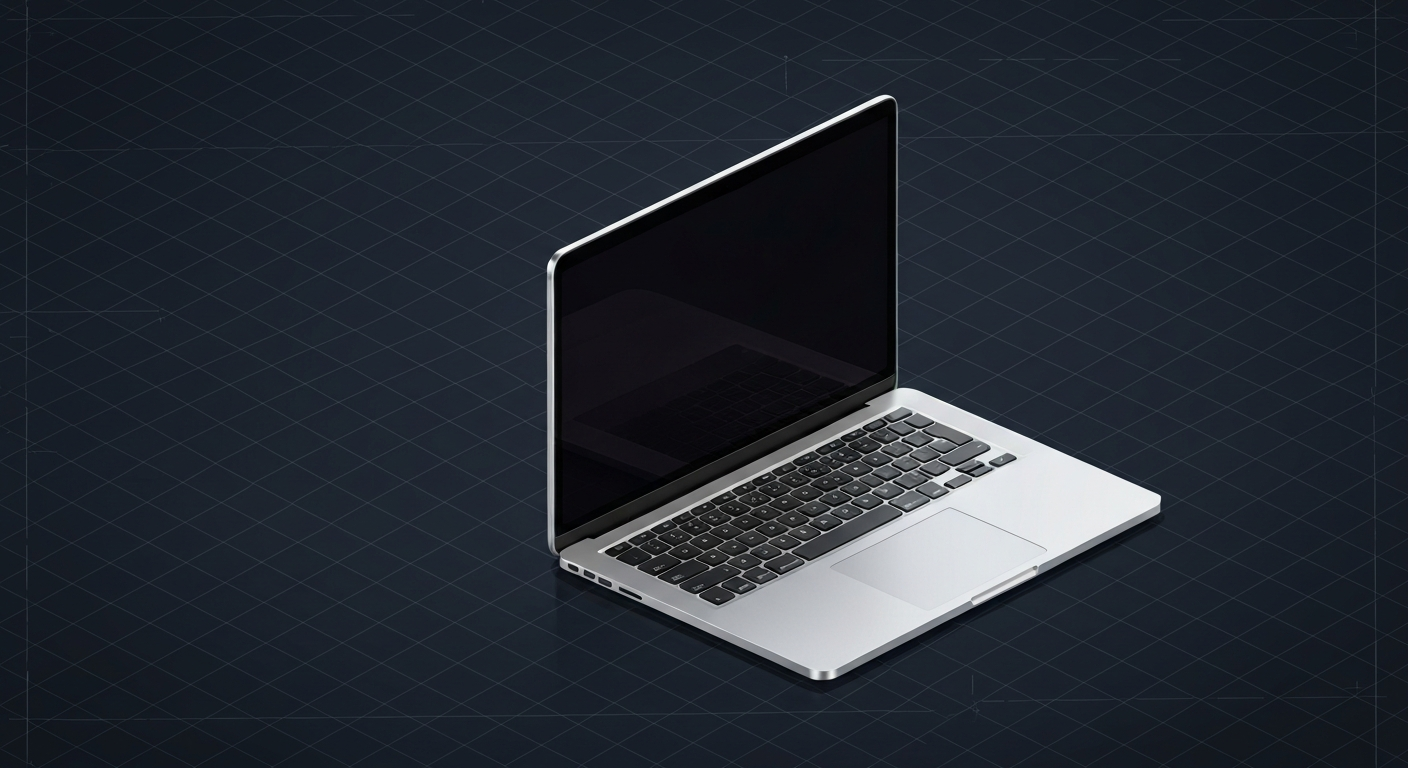
16-inch M4 Max — 128GB unified at 546 GB/s. The most capable AI laptop in 2026.
Affiliate disclosure: as an Amazon Associate and partner of other retailers, we earn from qualifying purchases. The verdict on this page is our editorial opinion; affiliate links never influence what we recommend.
Sub-scores sum to 636 / 1000. Headline = 636 × 0.70 (Estimated-confidence discount) = 445. This is an algorithmic performance-tier score — distinct from, and often lower than, the editorial “Our verdict” below, which weighs value and real-world fit (especially for hardware we haven’t measured yet). How scoring works →
Extrapolated from 546 GB/s bandwidth — 76.4 tok/s estimated. No measured benchmarks yet.
Plain-English: Runs 70B comfortably — snappy enough for a coding agent; vision models supported.
Verdicts extrapolated from catalog VRAM + bandwidth + ecosystem flags. Hover any chip for the rationale. Want measured numbers? Submit your own run with runlocalai-bench --submit.
What it does well
The 16" M4 Max MacBook Pro is the only mainstream laptop where a 70B model runs natively on the GPU — no datacenter card, no rack, no PSU math. Memory bandwidth at 546 GB/s on the standard config (and the full 16-core GPU bin) sits between an RTX 3090 and an RTX 4080 for memory-bound decode, which is exactly where 70B Q4 inference lives. Configured to 128 GB unified memory, you can fit 70B FP16 (140 GB partial offload to fast swap) or comfortably run 70B Q5/Q8 at full 32K context. The 16" chassis has noticeably better sustained thermals than the 14" — fan headroom matters when you're decoding for ten minutes straight on a 70B prompt. The 100W power envelope under load is roughly a quarter of an RTX 4090 workstation pulling the same workload, and the laptop runs near-silent on agentic loops where a 4090 rig sounds like a hairdryer. LM Studio and Ollama both ship Apple Silicon Metal acceleration out of the box; MLX is a meaningful step up from llama.cpp on Apple's own framework. The setup story is the cleanest in the industry: download an installer, pick a model, chat — no driver toolchain, no nvidia-smi, no Linux dual-boot.
Where it breaks
- No CUDA, full stop. vLLM, SGLang, TensorRT-LLM, ExLlamaV2, most fine-tuning pipelines, most production-grade serving stacks — none run on Apple Silicon. If your team's deployment target is CUDA, every dev-time win you get from this laptop has a translation cost when you ship.
- Decode speed below NVIDIA peers on raw bandwidth. 546 GB/s vs the 4090's 1.0 TB/s vs the 5090's 1.79 TB/s shows up directly in 70B Q4 decode (M4 Max 25–35 tok/s vs RTX 4090 partial-offload ~22–28 vs RTX 5090 ~40–55). For workloads that fit a 4090's 24 GB, the 4090 wins on speed.
- The 128 GB tier is expensive. $4,500–$5,500 for the configuration that actually runs 70B-FP16-class workloads. The base 36 GB / 48 GB tiers are not what readers chasing local 70B should buy — those tiers are 32B-class machines that happen to be in a Pro chassis.
- Sustained thermal throttling on extreme runs. 30+ minute continuous decode on the 16" is better than the 14", but it still throttles eventually. Workstation-tier sustained AI is a Mac Studio M3 Ultra job; the laptop is for portable, intermittent, and dev-loop workloads.
- Day-zero new model support is uneven. llama.cpp Metal usually has new architectures within hours; MLX takes days-to-weeks. CUDA-first models often hit Metal/MLX last.
Ideal model range
- Sweet spot (64 GB tier, ~$3,999 base): 70B at Q4–Q5 fully on the SoC at ~25–35 tok/s with comfortable 8–16K context. Best-in-class portable 70B inference on a single device.
- Sweet spot (128 GB tier, ~$5,499): 70B Q5/Q8 at full 32K context, or 70B FP16 partial offload, or running 32B + 7B simultaneously for agentic workflows where one model drafts and another reviews.
- Stretch: DeepSeek V3 671B at Q1/Q2 partially fits 128 GB unified — single-digit tok/s, but it runs, which no NVIDIA consumer card can claim.
- Comfortable: 32B-class at full 32K context, 14B-class at 128K, 7B-class at 80+ tok/s with quad-stream agentic loops.
Bad use cases
- Production multi-user serving. vLLM doesn't run. Concurrent inference at scale is the wrong workload for any Apple Silicon device. Use NVIDIA L40S or rent on Runpod.
- Throughput on small models. Sub-13B at >~150 tok/s is territory where an RTX 4070 or RTX 5070 wins on $/throughput by a wide margin.
- CUDA-locked teams. If your fine-tuning pipeline, your IDE plugin, your team's deployment target — any of it — is CUDA, the laptop is fighting upstream. Pick a Razer Blade 16 or workstation; don't try to outwit the ecosystem.
- Cost-sensitive buyers. A used 3090 is $700-1000. The 64 GB MBP 16 starts at $3,999. Apple premium is real; you're paying for laptop + unified memory + silent-operation, not for inference $/$.
- Linux homelab anchors. If the rest of your stack is Linux containers, NixOS, or Docker-on-Bare-metal, the macOS-only nature is a friction point that compounds over months.
Verdict
Buy this if you want a single laptop that genuinely runs 70B locally, you'll use it for development + agentic loops + on-the-go inference (not 24×7 serving), you can stomach the Apple price for the unified-memory architecture, and your stack is MLX or llama.cpp-Metal compatible. The 128 GB tier puts true frontier-model laptop inference within reach at no other vendor's price point. The 16" thermal envelope makes it the right Apple Silicon laptop for AI workloads — the 14" gets the same chip but throttles sooner.
Skip this if your software stack requires CUDA, you're cost-sensitive vs a used 3090 or dual-3090 homelab, you primarily need throughput on small models (a Razer Blade 16 with mobile RTX 5090 wins for sub-30B work), or you're locked into a Linux-centric workflow where macOS would be friction for everything outside the inference loop.
How it compares
- vs Mac Studio M3 Ultra → Mac Studio takes the same Apple Silicon platform to higher memory (up to 192 GB) and better thermals (desktop, sustained workloads) at similar peak prices. Pick MBP 16 for portability + an actual laptop screen; pick Mac Studio for sustained workstation use and the 192 GB tier. See /compare/macbook-pro-16-m4-max-vs-mac-studio-m3-ultra.
- vs Razer Blade 16 (RTX 5090 Mobile) → Blade 16 has CUDA + better tok/s on small/medium models that fit 24 GB. MBP 16 has 4-5× more memory ceiling at the 128 GB tier, runs cooler, runs quieter, and lasts 4× as long unplugged. Blade 16 wins for CUDA + Windows-locked workflows; MBP 16 wins for memory ceiling + battery + silence.
- vs RTX 4090 workstation → 4090 wins on raw decode speed for workloads under 24 GB. MBP 16 with 128 GB wins on memory ceiling — 70B FP16 doesn't fit a 4090 at all. Workstation forces a desk + PSU + Linux/Windows; MBP 16 is the same workload on a single device. See /compare/macbook-pro-16-m4-max-vs-rtx-4090.
- vs RTX 5090 workstation → 5090 has 32 GB at 1.79 TB/s for ~$2,500 GPU + ~$2,000 system, similar all-in price to the 64 GB MBP 16. Pick 5090 for raw single-card speed and CUDA; pick MBP 16 for memory ceiling, portability, and laptop form factor. See /compare/macbook-pro-16-m4-max-vs-rtx-5090.
- vs Snapdragon X Elite laptops → SDX Elite has 32–64 GB unified memory but local inference is CPU-bound (no good NPU acceleration in 2026). MBP 16 with M4 Max remains the only mainstream laptop class that's actually good at local AI.
Overview
16-inch M4 Max — 128GB unified at 546 GB/s. The most capable AI laptop in 2026.
Some links above are affiliate links. We may earn a commission at no extra cost to you. How we make money.
Specs
| VRAM | 0 GB |
| System RAM (typical) | 128 GB |
| Power draw (peak) | 140 W |
| Released | 2024 |
| MSRP | $3999 |
| Backends | Metal MLX |
Hardware worth comparing
The closest alternatives by price, memory bandwidth, and form factor, plus a step up and down — so you can frame the buying decision against real options.
- 7.8/10HP ZBook Ultra G1a (Ryzen AI Max+ PRO 395)amd · 256 GB/s
- 9.6/10ASUS ROG Strix Scar 18 (RTX 5090 Mobile)nvidia · 24 GB VRAM
- 7.3/10NVIDIA GeForce RTX 4090 Mobilenvidia · 16 GB VRAM
- 9.6/10Razer Blade 16 (2025, RTX 5090 Mobile)nvidia · 24 GB VRAM
- 8.8/10NVIDIA GeForce RTX 3080 16GB (Mobile)nvidia · 16 GB VRAM
- 8.6/10NVIDIA GeForce RTX 5090 Mobilenvidia · 24 GB VRAM
Frequently asked
Does MacBook Pro 16" M4 Max support CUDA?
Where next?
Reviewed by RunLocalAI Editorial. See our editorial policy for how we research and verify hardware specifications.