Apple Mac Studio (M3 Ultra)
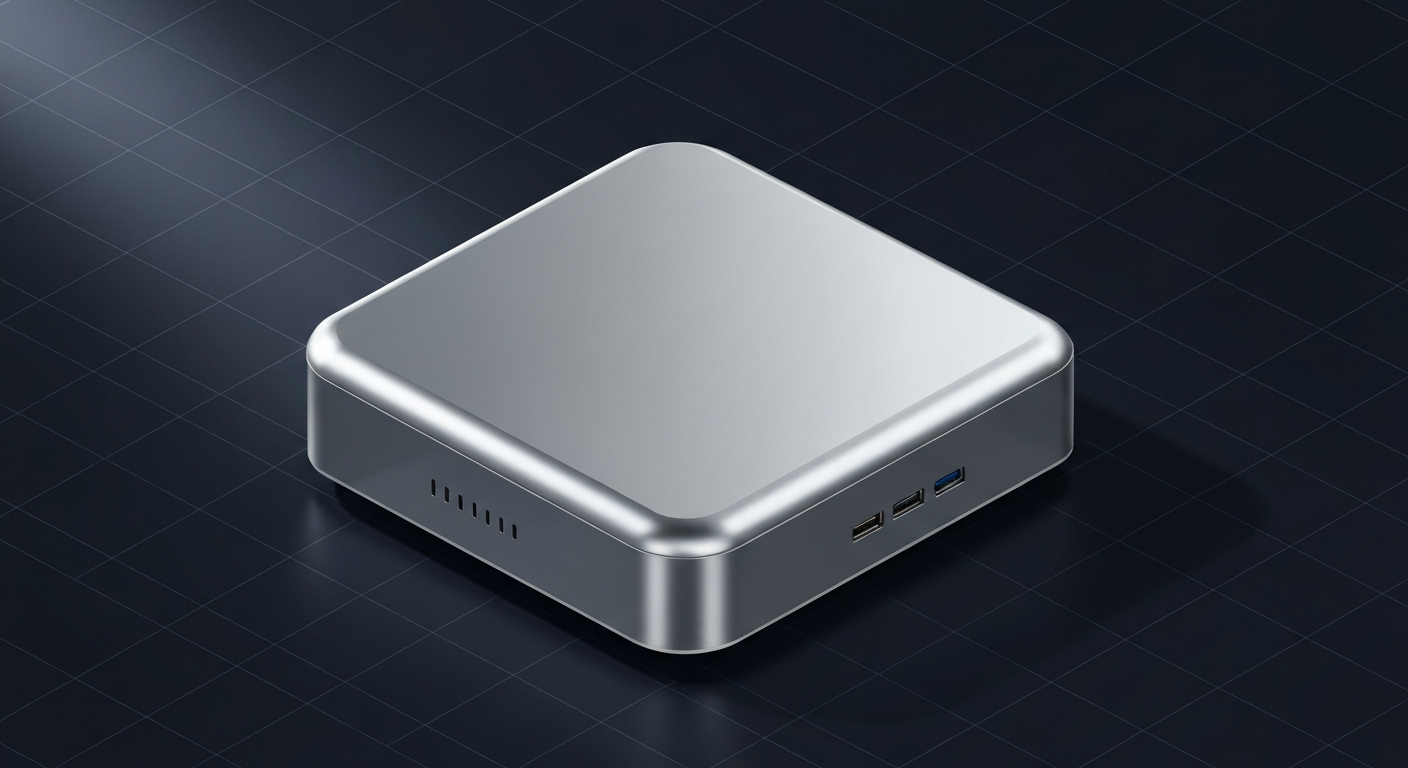
Top-spec Mac Studio with M3 Ultra. Up to 512GB unified memory in custom configs.
Affiliate disclosure: as an Amazon Associate and partner of other retailers, we earn from qualifying purchases. The verdict on this page is our editorial opinion; affiliate links never influence what we recommend.
Sub-scores sum to 731 / 1000. Headline = 731 × 0.70 (Estimated-confidence discount) = 512. This is an algorithmic performance-tier score — distinct from, and often lower than, the editorial “Our verdict” below, which weighs value and real-world fit (especially for hardware we haven’t measured yet). How scoring works →
Extrapolated from 800 GB/s bandwidth — 112.0 tok/s estimated. No measured benchmarks yet.
Plain-English: Runs 70B comfortably — snappy enough for a coding agent; vision models supported.
Verdicts extrapolated from catalog VRAM + bandwidth + ecosystem flags. Hover any chip for the rationale. Want measured numbers? Submit your own run with runlocalai-bench --submit.
What it does well
The Mac Studio with M3 Ultra + 192 GB unified memory is the single most-memory-rich consumer-purchasable computer for local AI in 2026. 192 GB at ~819 GB/s memory bandwidth (the M3 Ultra's binned bandwidth tier) puts frontier MoE models genuinely on the desk: Llama 4 Maverick at Q4, DeepSeek V3 at Q3-Q4, Qwen 3 235B-A22B at low quants — workloads that no NVIDIA consumer card can touch and that previously required ~$30,000+ datacenter hardware. The desktop form factor solves the laptop's thermal throttling problem — 30-minute or 30-hour sustained inference is an equally-fine workload. Power draw is moderate (300-400 W under sustained load), making 24/7 operation reasonable on residential power. MLX is faster than llama.cpp on M3 Ultra for many architectures, and Apple's MLX team continues shipping optimizations.
Where it breaks
- No CUDA, same as M4 Max. Production serving stacks (vLLM, SGLang, TensorRT-LLM) don't run. Apple Silicon is solidly outside the CUDA ecosystem.
- Compute is the bottleneck before memory. 192 GB is great, but at ~819 GB/s bandwidth and lower compute-tier silicon than NVIDIA's flagship, decode speed on huge models drops fast. DeepSeek V3 671B at Q3 runs but at single-digit tok/s — usable for batch work, painful for interactive chat.
- Premium pricing on the 192 GB config. $5,999+ to fully spec. The 96 GB tier at $4,999 is the better value for most operators; 192 GB is for operators who genuinely run frontier models.
- Apple Silicon Ultra is a binned chip. The M3 Ultra is two M3 Max dies fused via UltraFusion. Some workloads don't scale across the bridge as cleanly as on monolithic GPU silicon — a corner case but worth knowing.
- No upgradability. Memory is soldered. The unified-memory tier you buy is the tier you have until you replace the machine. Plan accordingly.
Ideal model range
- Sweet spot (96 GB tier): 70B FP16 (~140 GB) actually fits with offload to swap, or 70B Q5/Q8 fully on SoC at ~18-25 tok/s. Best-in-class for "I want to run the biggest open-weight models without datacenter hardware."
- Sweet spot (192 GB tier): Frontier MoE at low quants — Llama 4 Maverick Q4 (210 GB partial), DeepSeek V3 Q3 (180 GB), Qwen 3 235B-A22B Q4 (~140 GB) all become operator-grade workloads.
- Stretch: 405B-class dense at Q3 — partial offload to system swap, single-digit tok/s. Slow but functional.
- Comfortable: Multiple 32B-class models loaded simultaneously, agent rigs that need 100k+ tokens of working context, RAG over very large vector stores.
Bad use cases
- Production multi-user serving. Same constraint as M4 Max. Concurrent inference at scale needs CUDA or workstation-tier infrastructure.
- Maximum tok/s. A 5090 at 1.79 TB/s bandwidth crushes the M3 Ultra at single-stream decode for any model that fits 32 GB. The M3 Ultra wins by capacity, not by speed.
- Anyone whose workload fits 24 GB. If you don't need >32 GB of model memory, RTX 4090 at $1,500-1,900 used is faster + cheaper. The Mac Studio premium only earns its keep when memory ceiling is the operative constraint.
- Linux-first homelab operators. macOS is the platform. If your team runs Linux + Docker + Kubernetes, the Mac Studio is awkward operationally even if the inference itself is fine.
Verdict
Buy this if you want to run frontier-tier MoE models or 70B-FP16-class workloads locally, you can absorb the $5,000-7,000 spend, and macOS is acceptable as your inference platform. The 192 GB tier is genuinely uncopyable at any price point under datacenter SKUs — that's the moat the Mac Studio M3 Ultra holds in 2026.
Skip this if your software stack requires CUDA, your workload fits 32 GB (where the RTX 5090 wins on speed at half the price), you need maximum tok/s, you'd prefer multi-GPU homelab over single-device, or you're not Mac-comfortable. The Mac Studio is uniquely good at one thing — buy it for that, not as a general-purpose AI workstation.
How it compares
- vs Apple M4 Max (laptop, up to 128 GB) → Same Apple Silicon platform, different form factor. M4 Max wins on portability + lower price; Mac Studio wins on sustained-workload thermals + memory ceiling (192 GB) + slightly better bandwidth. Pick laptop for desk + travel; pick Studio for desk-only frontier-AI work.
- vs RTX 5090 → 5090 wins on raw decode speed (1.79 TB/s vs 819 GB/s) for anything that fits 32 GB. Mac Studio wins on absolute memory ceiling — 192 GB vs 32 GB is six times the headroom. Different operator priorities.
- vs Dual RTX 3090 homelab → 48 GB combined for ~$1,800 used vs $4,999+ for Mac Studio 96 GB. NVIDIA homelab wins on $/VRAM but loses on simplicity, silence, and the upper tiers (96+ GB unified memory has no NVIDIA consumer equivalent). See /compare/mac-studio-m3-ultra-vs-dual-rtx-3090.
- vs RTX 6000 Ada / RTX PRO 6000 Blackwell → Workstation NVIDIA at 48-96 GB VRAM at $7,000-$10,000. Workstation cards win on CUDA ecosystem + raw speed; Mac Studio wins on price-per-GB and total system simplicity (no PC build, no PSU, no driver toolchain).
- vs cloud rental → A100 80GB at ~$2-4/hour rented makes sense for occasional frontier-model work. Mac Studio wins on TCO if you'll use it 4+ hours/day continuously, on privacy, on offline capability. Cloud wins on burst workloads + multi-user serving.
Overview
Top-spec Mac Studio with M3 Ultra. Up to 512GB unified memory in custom configs.
Some links above are affiliate links. We may earn a commission at no extra cost to you. How we make money.
Specs
| VRAM | 0 GB |
| System RAM (typical) | 192 GB |
| Power draw (peak) | 250 W |
| Released | 2025 |
| MSRP | $4999 |
| Backends | Metal MLX |
Hardware worth comparing
The closest alternatives by price, memory bandwidth, and form factor, plus a step up and down — so you can frame the buying decision against real options.
Curated head-to-heads against specific cards — the buyer-decision shape that crosses VRAM bands.
Frequently asked
Does Apple Mac Studio (M3 Ultra) support CUDA?
Where next?
Reviewed by RunLocalAI Editorial. See our editorial policy for how we research and verify hardware specifications.