NVIDIA GeForce RTX 5090 Mobile
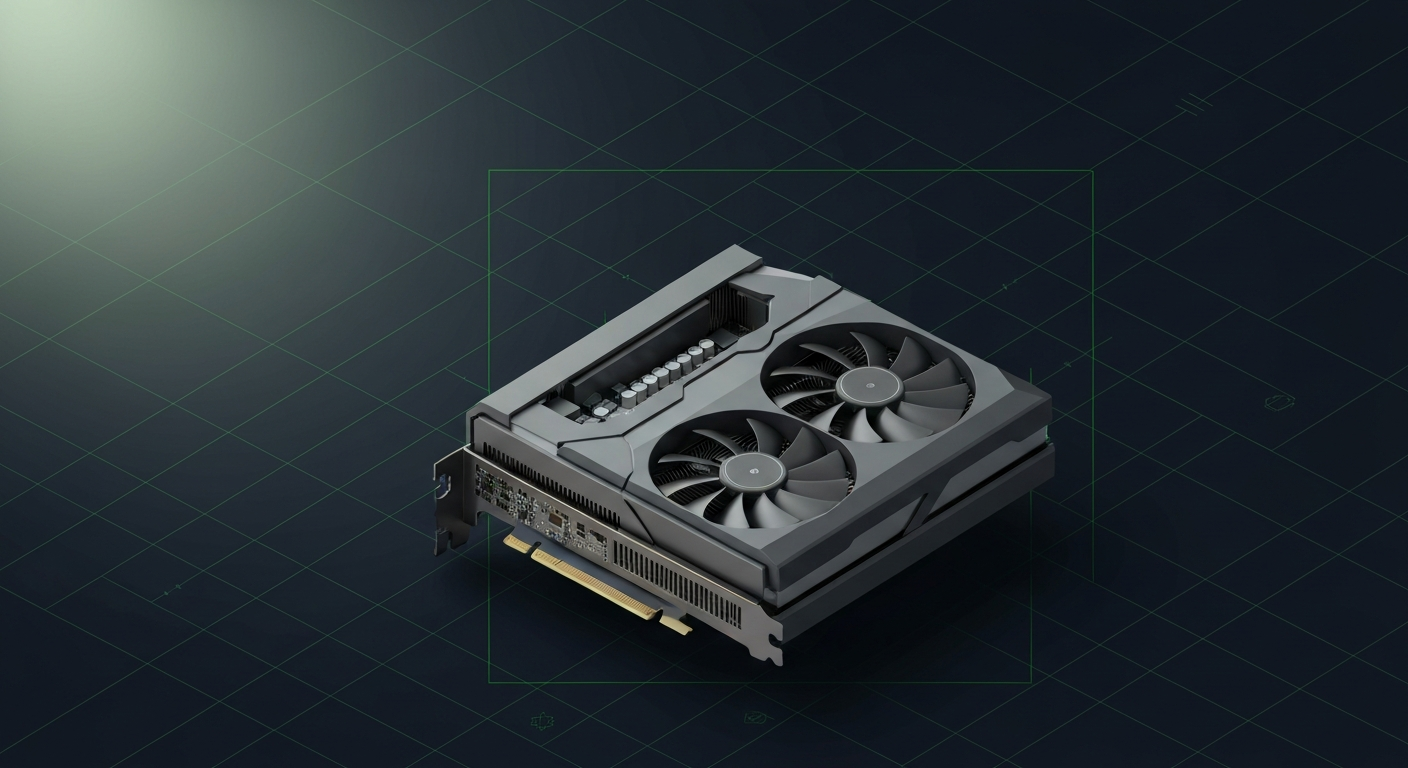
Mobile Blackwell flagship. 24GB GDDR7 in a laptop is the new high-water mark.
Affiliate disclosure: as an Amazon Associate and partner of other retailers, we earn from qualifying purchases. The verdict on this page is our editorial opinion; affiliate links never influence what we recommend.
Sub-scores sum to 731 / 1000. Headline = 731 × 0.70 (Estimated-confidence discount) = 512. This is an algorithmic performance-tier score — distinct from, and often lower than, the editorial “Our verdict” below, which weighs value and real-world fit (especially for hardware we haven’t measured yet). How scoring works →
Extrapolated from 896 GB/s bandwidth — 107.5 tok/s estimated. No measured benchmarks yet.
Plain-English: Workable at 32B, comfortable at 14B and below — snappy enough for a coding agent; vision models supported.
Verdicts extrapolated from catalog VRAM + bandwidth + ecosystem flags. Hover any chip for the rationale. Want measured numbers? Submit your own run with runlocalai-bench --submit.
What it does well
The RTX 5090 Mobile is NVIDIA's 2026 flagship laptop GPU and the only laptop discrete GPU that actually runs 70B Q4 locally with a real CUDA stack. 24 GB GDDR7 at ~1.0 TB/s effective bandwidth (varies 800-1,200 GB/s depending on laptop's GPU TGP profile) + Blackwell mobile architecture with native FP4 support + second-gen Transformer Engine. The card ships in flagship gaming/AI laptops — Razer Blade 16 (2025) at $4,499, ASUS ROG Strix Scar 18 at $3,999, MSI Titan/Stealth, ASUS Zephyrus G16/G18 — all in the $4,000-$5,000 retail range. The 24 GB VRAM ceiling is genuinely transformative for laptop AI: fits Llama 3.3 70B Q4 with 16K context, 32B FP16 with 64K context, multi-model agentic stacks (14B + 7B + embedding) simultaneously. Power draw is configurable 80-175 W depending on laptop TGP. Full CUDA stack works on Windows + Linux: Ollama, LM Studio, llama.cpp, single-card vLLM, ExLlamaV2. For the segment that genuinely needs serious local AI on the road, RTX 5090 Mobile is the top tier.
Where it breaks
- Mobile bandwidth is variable. Effective bandwidth ranges 800-1,200 GB/s by laptop TGP. Read laptop reviews carefully — performance varies dramatically across the same GPU SKU.
- Pricing premium for laptop form. Laptops with this GPU run $3,999-$4,999 retail. Desktop RTX 5090 (32 GB) at $2,500 + a $1,500 desktop = same total cost, more VRAM, dramatically better thermals. You're paying ~$500-$1,500 for portability.
- 24 GB mobile vs 32 GB desktop. Desktop 5090 has 32 GB GDDR7 at 1.79 TB/s vs Mobile's 24 GB at variable bandwidth. The 8 GB delta + bandwidth gap shows up in 32B FP16 long-context decode.
- Sustained thermal throttling on extreme workloads. Even flagship laptops throttle on 30+ minute continuous decode vs desktop equivalents.
- Battery life under inference is 1-2 hours. Plug in for serious AI work — same fundamental laptop AI constraint.
- No 128 GB unified memory tier. Apple M4 Max MacBook Pro 16 at 128 GB unified is the only laptop class that runs 70B FP16 fully on-chip — RTX 5090 Mobile caps at 24 GB GPU + system RAM offload.
Ideal model range
- Sweet spot: 70B Q4 with 16K-32K context, 32B FP16 with 64K context — single-card laptop CUDA workloads.
- Sweet spot: Multi-model agentic loops fitting 24 GB — 14B + 7B + embedding model simultaneously.
- Sweet spot: Local development that ships against CUDA production targets.
- Sweet spot: Travel-friendly serious local AI when plugged in.
- Sweet spot: FP4-aggressive workloads — Blackwell's native FP4 throughput pays off.
- Stretch: 70B Q5 with shorter context, 70B Q6/Q8 partial offload (slow but functional).
- Stretch: Local fine-tuning at 7B QLoRA or 13B QLoRA.
- Bad fit: 70B FP16, 200B-class anything, frontier model sizes.
Bad use cases
- Frontier model laptop work. MacBook Pro 16 M4 Max 128 GB is the only laptop class that runs 70B FP16 fully.
- Sustained 24×7 inference. Wrong tier — laptops aren't built for that.
- Maximum tok/s or production multi-tenant. Wrong tier.
- Cost-sensitive buyers. Desktop RTX 5090 + $400 laptop is dramatically better value if portability isn't required.
- Anyone who'd never use the laptop form factor benefits. Build a desktop.
Verdict
Buy this if you need serious local AI in a laptop (70B Q4 fits, 32B FP16 fits, 13B at long context fits), you'll travel with it and need plugged-in CUDA on the road, your stack is Windows-CUDA-aligned, and you're willing to pay laptop premium. RTX 5090 Mobile in Razer Blade 16 or ASUS ROG Strix Scar 18 hits the right sweet spot for "serious traveling AI developer."
Skip this if your workload is sub-13B and a thinner laptop suffices, you don't travel meaningfully (build desktop with RTX 5090), you can use macOS (MacBook Pro 16 M4 Max wins on memory ceiling), or you need 70B FP16 (Apple Silicon at 128 GB unified is the only laptop class).
How it compares
- vs Razer Blade 16 (2025) chassis → Razer Blade 16 is the premium 16-inch chassis shipping with this GPU. Best build quality, OLED display, premium aesthetics. Pick Razer when premium build matters.
- vs ASUS ROG Strix Scar 18 chassis → Strix Scar 18 is the larger-chassis option with this GPU. More thermal headroom, $500 less, gamer aesthetic. Pick by chassis preference.
- vs RTX 4090 Mobile (16 GB) → 4090 Mobile has 33% less VRAM + Ada-gen vs Blackwell at lower-tier laptop pricing. RTX 5090 Mobile is the strict upgrade for serious local AI.
- vs desktop RTX 5090 (32 GB) → Desktop wins on VRAM (33% more), bandwidth (1.79 TB/s vs ~1.0 TB/s mobile), sustained thermals, total cost. Laptop wins on portability.
- vs MacBook Pro 16 M4 Max (128 GB unified) → MBP 16 wins on memory ceiling (5× the VRAM-equivalent), battery life, silence. RTX 5090 Mobile wins on CUDA ecosystem, gaming/creator workloads, Windows lock-in compatibility.
Overview
Mobile Blackwell flagship. 24GB GDDR7 in a laptop is the new high-water mark.
Some links above are affiliate links. We may earn a commission at no extra cost to you. How we make money.
Specs
| VRAM | 24 GB |
| Power draw (peak) | 175 W |
| Released | 2025 |
| Backends | CUDA Vulkan |
Models that fit
Open-weight models small enough to run on NVIDIA GeForce RTX 5090 Mobile with usable context.
Hardware worth comparing
The closest alternatives by price, memory bandwidth, and form factor, plus a step up and down — so you can frame the buying decision against real options.
- 7.3/10NVIDIA GeForce RTX 4090 Mobilenvidia · 16 GB VRAM
- 10.0/10MacBook Pro 16" M4 Maxapple · 546 GB/s
- 9.6/10ASUS ROG Strix Scar 18 (RTX 5090 Mobile)nvidia · 24 GB VRAM
- 9.6/10Razer Blade 16 (2025, RTX 5090 Mobile)nvidia · 24 GB VRAM
- 8.8/10NVIDIA GeForce RTX 3080 16GB (Mobile)nvidia · 16 GB VRAM
- 7.1/10NVIDIA GeForce RTX 5070 Laptop GPUnvidia · 12 GB VRAM
Frequently asked
What models can NVIDIA GeForce RTX 5090 Mobile run?
Does NVIDIA GeForce RTX 5090 Mobile support CUDA?
Where next?
Reviewed by RunLocalAI Editorial. See our editorial policy for how we research and verify hardware specifications.